Description
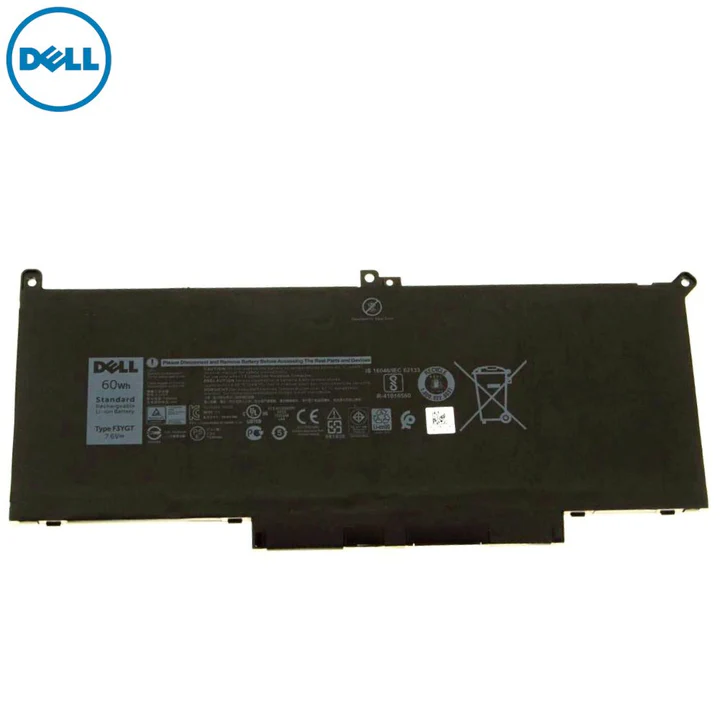
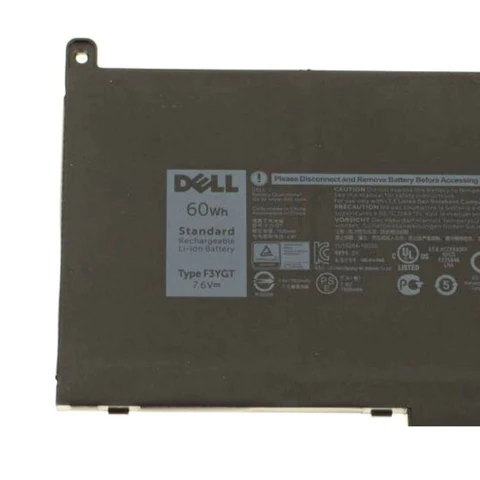
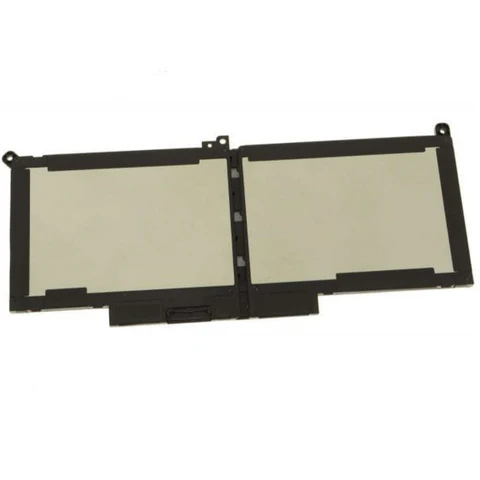
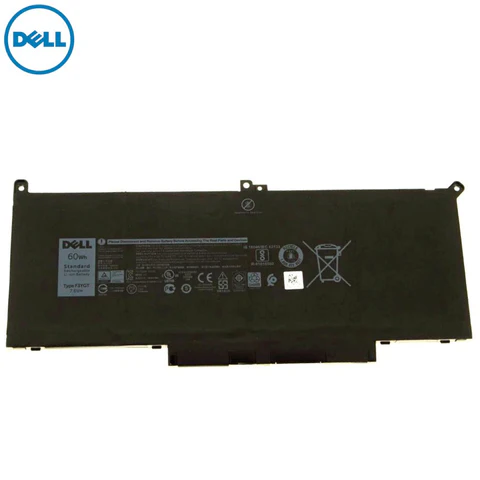
The Original Dell Latitude 14 7490-54GMM Laptop Battery (F3YGT) is a high-quality Lithium-ion battery designed to restore your laptop’s original performance and battery life. Using a compatible or low-quality battery can lead to overheating, poor backup, and long-term hardware damage. That’s why choosing an original Dell battery makes all the difference.
This 7.6V 60Wh 4-cell battery is built with Grade-A cells and advanced circuit protection to ensure safe charging, stable power output, and long lifespan. It is ideal for business users, professionals, and students who need reliable backup and smooth performance throughout the day.
Product Specifications
| Specification |
Details |
| Product Type |
Laptop Battery |
| Brand |
Dell Original |
| Model Compatibility |
Dell Latitude 14 7490-54GMM |
| Battery Part Number |
F3YGT |
| Battery Type |
Lithium-ion |
| Voltage |
7.6V |
| Capacity |
60Wh |
| Cells |
4 Cell |
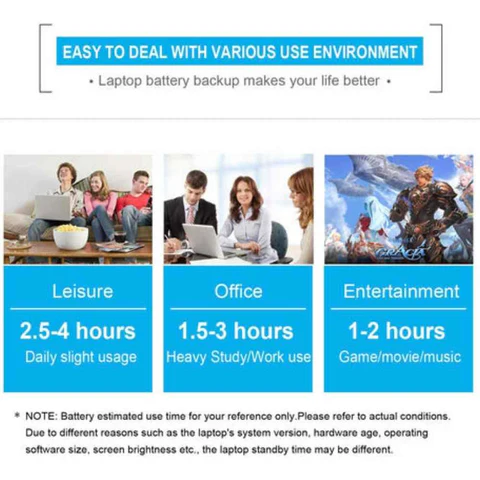
| Realtime Backup |
1.5 – 2.0 Hours |
| Standby Backup |
2.5 – 3.0 Hours |
| Guarantee |
6 Months |
| Package Contents |
Dell Lithium-ion Battery |
| Country of Origin |
China |
| Package Dimensions |
30 × 10 × 5 cm |
Shipping & Service Details
-
Delivery Time: 1 Week Across India
-
Return Policy: 7 Days Free Return
-
Payment Mode: Cash on Delivery Available
-
Expert Support: +919724665511
Why Choose This Dell Original Battery?
This Original Dell Latitude 14 7490-54GMM battery is manufactured to meet and exceed OEM standards. Dell uses high-quality cells and components to ensure superior safety, durability, and performance.
-
Integrated circuit protection for safety
-
Stable charging & power output
-
Environment-friendly & quality-tested
-
Long backup time with fewer recharge cycles
How to Install Dell Latitude 14 7490-54GMM Battery
-
Turn off your laptop and unplug the charger.
-
Disconnect the old battery from the motherboard carefully.
-
Unscrew and remove the old battery slowly.
-
Connect the new Dell F3YGT battery securely.
-
Close the panel and power on your laptop.
Battery Usage & Maintenance Tips
-
For a new battery, perform 2–3 full charge cycles (drain to ~5%, then charge to 95–100%).
-
Avoid draining the battery to 0% regularly.
-
Do not charge the battery continuously for more than 24 hours.
-
Always charge at room temperature.
-
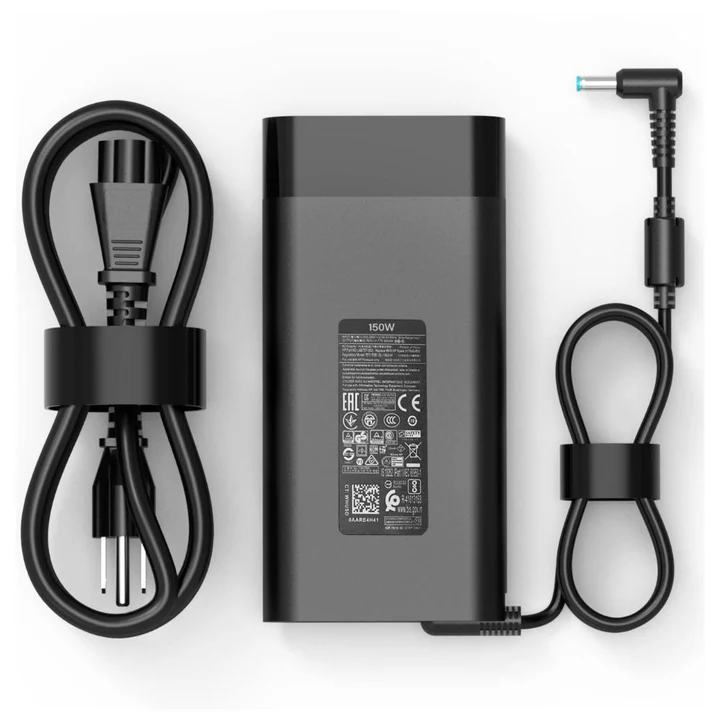
Use only an original or compatible Dell charger.
-
Keep the battery away from heat and liquids.
-
For long-term storage, keep the battery partially charged and recharge once a month.



Reviews
There are no reviews yet.